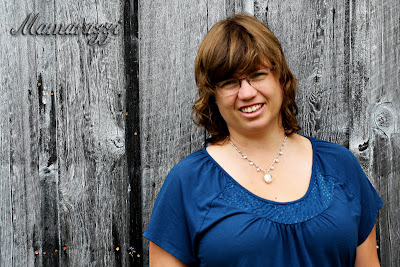
This week at I Heart Faces their weekly contest is -- TEXTURES -- I decided to go with natural texture instead of added texture in photoshop.
On family vacation this summer. We were visiting a museum with a barn. I wanted a picture of the barn wood. I begged my family for one more picture. My family was sick of the Mamarazzi. Therfore, Mamarazzi had to get in front of the camera and hand the camera over to a family member.
Visit I Heart Faces to see the other entries to this weeks theme and some tutorials on texture in photographs.


 The orginal photo -- what a great idea. This week's theme was texture so when I thought of my edits of the pictures I added texture.
 Edit #1 -- fixed levels -- cropped it -- added layer (frost texture) and multiplied it... Than with a layer mask cleared the texture from her face.
 I turned the picture black and white, my texture layer I put on hue. Using a layer mask I erased all the texture from the girl and her snowman.


