Showing posts with label ps3. Show all posts
Friday, August 3, 2012
Sunday, March 4, 2012
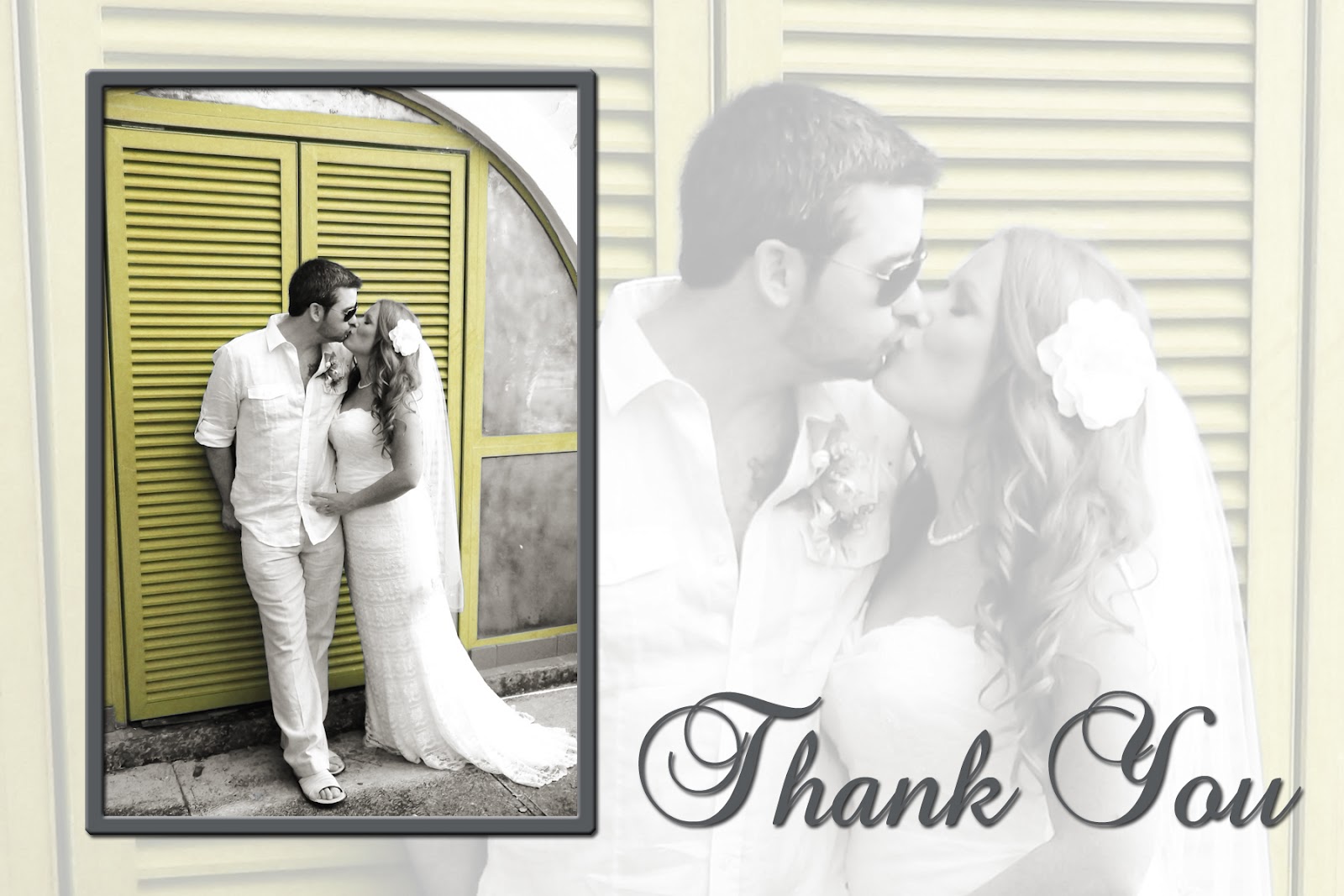
Thank You Wedding Card
One of the girls I used to work with went to an island to get married. She asked if I could turn one of her photos into a Thank You card to use when she had her reception back in Canada.
One request was her colours were grey and yellow, while they are posing in front of a blue door. She wanted to see if I could turn the door yellow to reflect her wedding colours. My reply was, Yes, I think that it is possible.
Other than that she didn't have any other requests. Here is what I did. She was thrilled to say the least.
One request was her colours were grey and yellow, while they are posing in front of a blue door. She wanted to see if I could turn the door yellow to reflect her wedding colours. My reply was, Yes, I think that it is possible.
Other than that she didn't have any other requests. Here is what I did. She was thrilled to say the least.
Saturday, February 12, 2011
Wedding Photography
I have entered into Wedding Photography. Here are some images from 2 recent weddings.
I can provide professional photography at an affordable price. Please contact me to discuss packages and prices.
905-871-8435
Saturday, December 4, 2010
Brown Eyed Susan by Patricia W @ www.artscow.com
Now that I have introduced you to Artscow! I had designed a kit for Artscow because I couldn't find the exact thing I needed. I didn't realize there was a contest. Surprisingly my kit came in 24th. The top 20 get a prize. This kit I tried a little harder to make a full kit, paper, embellishments, alphas, and frames. If you have an artscow account go and download it, its free. I'm #16 right now with a few more days to go.. Woohoo!
http://www.artscow.com/digital-scrapbooking/Brown-Eyed-Susan-6238
Friday, February 26, 2010
I Heart Faces Photography: "This week's photo comes from Caroline at Frogmum. She writes: 'My daughter is standing in our front garden - I was laying down. It was a beautiful day, but her face was in full shade & looks a bit blurry. She looks too dull against the blue sky. I'd like to be able to pull the whole thing up and make her pop out without losing the beauty of that blue sky.'"Edit #1
So I wanted to brighten her face without losing the blue sky. This first photo, I used brighten and contrast, and in levels brightened her face. I also used the patch tool to lighten the shadow under her eyes.
Edit #2
The 2nd photo, I selected the girls face with the lasso tool. Than adjusted the brightness. This way just her face was brightened instead of the whole picture.
Subscribe to:
Posts (Atom)